
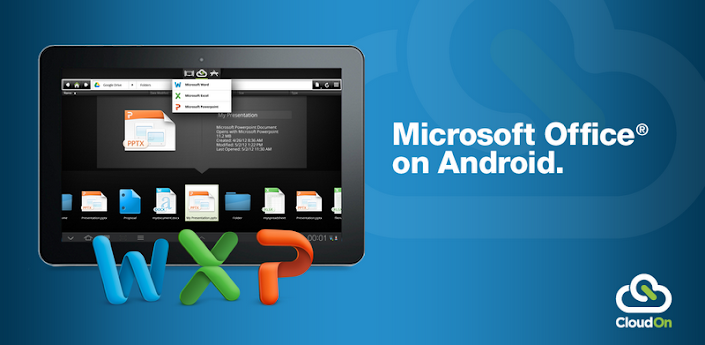
CloudOn brings Microsoft Office® to your Android Tablet and Phone and links it to your Box, Dropbox, Google Drive and SkyDrive accounts.
If that isn’t enough, the built-in Adobe Reader and File Viewer lets you open and view virtually any file type, including PDF, JPG, PNG, GIF, etc.
And, because we know your work isn’t always just for you, you can easily email files to your contacts directly from the workspace.
CloudOn provides you the files you want and the applications you need in a single workspace – made for the device you love.
The CloudOn Workspace allows you to:
• Use Microsoft Word®, Excel® and PowerPoint® on your Android Tablet and Phone to create, review and edit documents.
• Rename, delete and manage documents with your Dropbox, Box, Google Drive and SkyDrive accounts.
• View virtually any type of file, including: PDF, JPG, PNG, GIF, etc.
• Share files as links or attachments via email directly from the workspace.
• Display, edit or create charts, change formatting, spell check, insert comments, etc into any Word, Excel or PowerPoint files.
• Use the FileSpace to see a log of all the activity on file including edits, notifications and notes.
• Track changes while reviewing Word documents.
• Use pivot tables and insert formulas in Excel workbooks.
• Display and edit transitions in PowerPoint slides and present in full presentation mode.
• Open files directly from your device email accounts as well as Dropbox, Box, Google Drive and SkyDrive.
• Automatically save documents to avoid losing changes.
• Rename, delete and manage documents with your Dropbox, Box, Google Drive and SkyDrive accounts.
• View virtually any type of file, including: PDF, JPG, PNG, GIF, etc.
• Share files as links or attachments via email directly from the workspace.
• Display, edit or create charts, change formatting, spell check, insert comments, etc into any Word, Excel or PowerPoint files.
• Use the FileSpace to see a log of all the activity on file including edits, notifications and notes.
• Track changes while reviewing Word documents.
• Use pivot tables and insert formulas in Excel workbooks.
• Display and edit transitions in PowerPoint slides and present in full presentation mode.
• Open files directly from your device email accounts as well as Dropbox, Box, Google Drive and SkyDrive.
• Automatically save documents to avoid losing changes.
Source: Google Play Store

