I
f you still haven’t got the OTA update notification, you can go to phone’s Settings > Software updates and tap on the Download Updates Manually. If you still don’t get it, then you can follow the instructions below to install Samsung Galaxy Note 9 Android Pie Update manually.
The process below will not wipe any data. However, we still strongly recommend that you take a complete backup of all your data on the phone including the internal storage.
Charge your Samsung Galaxy Note 9 to a sufficient battery level. This will help avoid any sudden shutdowns during the update process.
ARL1 (Stable Android Oreo) > CSAA (Stable Android Pie): Download link
Once you make sure your phone is on the latest Android Oreo firmware, you can follow the steps below to sideload the OTA and manually install Android Pie based One UI on your Samsung Galaxy Note 9.
- Download Android Pie based One UI OTA package for your Samsung Galaxy Note 9 from the download link above.
- Connect your phone to the PC.
- Copy the downloaded OTA package to the root of the SD card (external storage). By ‘Root’ meaning outside all folders.
- Disconnect the device and power it off completely.
- Boot your Samsung Galaxy Note 9 into stock recovery mode (by holding power, volume down, and the Bixby button).
- Release the buttons when you see a blue screen with the Android logo.
- In stock recovery, use the Volume buttons to highlight “Apply update from SD card” and select the option using the Power button.
- Navigate to the SD card and select the Android Pie based One UI OTA update package.
- Finally, select “Yes” to install Samsung Galaxy Note 9 Android Pie Update (this takes about 15 minutes).
- When the sideloading process finishes, your phone will reboot automatically.
Google has revealed that Android 9 will be called Pie and made Android 9 available to its Pixel branded phones. Android Pie makes use of artificial intelligence to anticipate user actions. For example, it includes adaptive battery and adaptive brightness. Together, this will adjust the settings throughout the day to reduce power drain while making sure users have access to the phone’s full power. App Actions predict what users are likely to do next based on their context and displays that action on the phone.
Android Pie introduces new navigational gestures that rely on swiping and flicking a small pill that appears at the bottom of the screen. The smart text selection tool now transports text more easily between apps, while the tweaked Quick Settings bar offers a better way to take and edit screenshots. The new dashboard is meant to help you use the phone less. Which includes an app timer, wind down, and an improved do not disturb mode to make sure people spend time away from their phone without interruptions.
These well being tools are only available in beta, and currently requires a beta invite from Google (Digital Wellbeing beta link). The new Android 9 OS also includes a number of security improvements, such as a more secure way to handle biometrics. Google is distributing Android 9 Pie to Google Pixel, Google Pixel XL, Google Pixel 2, and Google Pixel 2 XL devices via an over the air download. Android 9 will also reach select phones from Sony, Xiaomi, HMD Global, Oppo, Vivo, OnePlus, and Essential (Essential PH-1 Android 9 release), as well as all qualifying Android One devices later this fall.
Source: Google
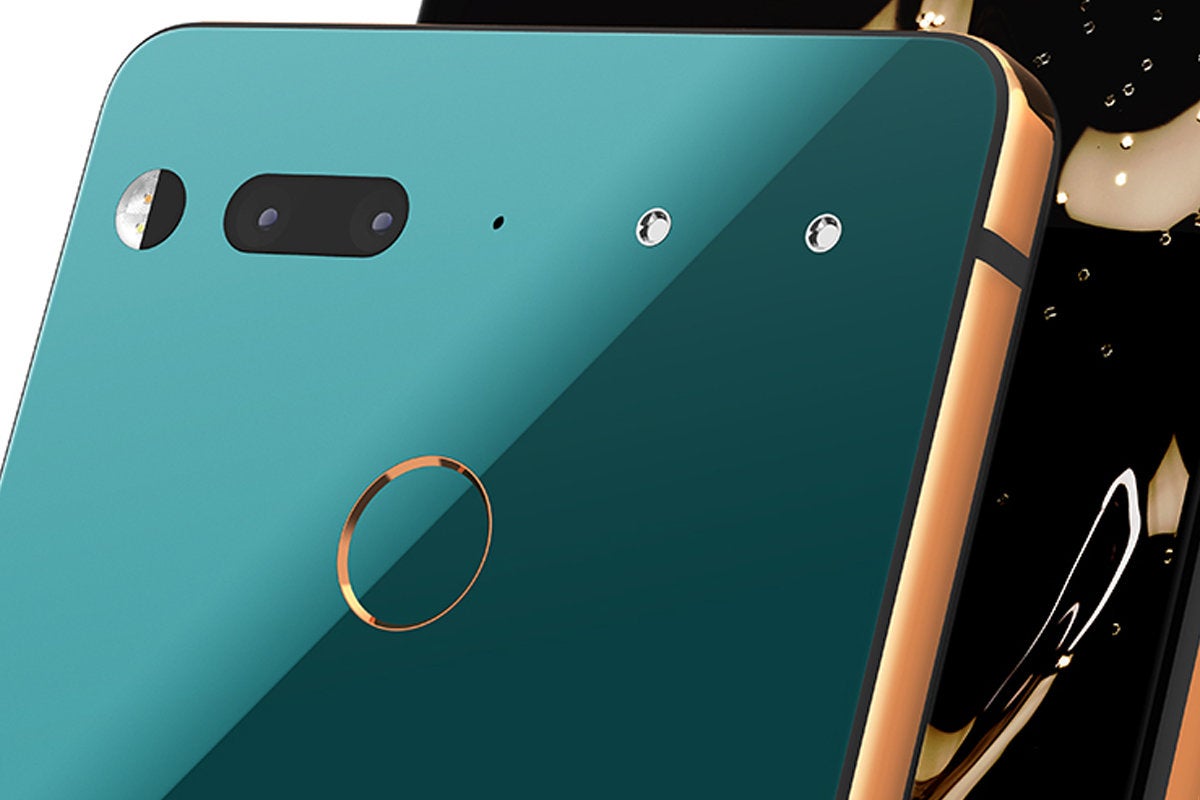
Essential Products has done it again... owners of the Essential PH-1 will receive Android 9 Pie over the next few days.
“We’re proud to bring Android 9 Pie to Essential Phone the same day it’s released! Check your phone now for the update,” said Essential via its Twitter account. Essential has allowed PH-1 owners to beta test Android 9 over the last few months. According to Essential, the Essential PH-1 will gain Android 9 via over the air over the next few days.
Source: Essential